

Casino and live casino
Play slots and join live dealer tables — right from your smartphone.
On Android, you can install our app using an APK. On iPhone, you can play in Safari and add ColdBet to your Home Screen if you wish. Use your existing account wherever you play.
18+ only. An internet connection is required to play.
Log in with the same details you use on your computer. You do not need to open another account for the app or mobile browser.
Play slots and join live dealer tables — right from your smartphone.

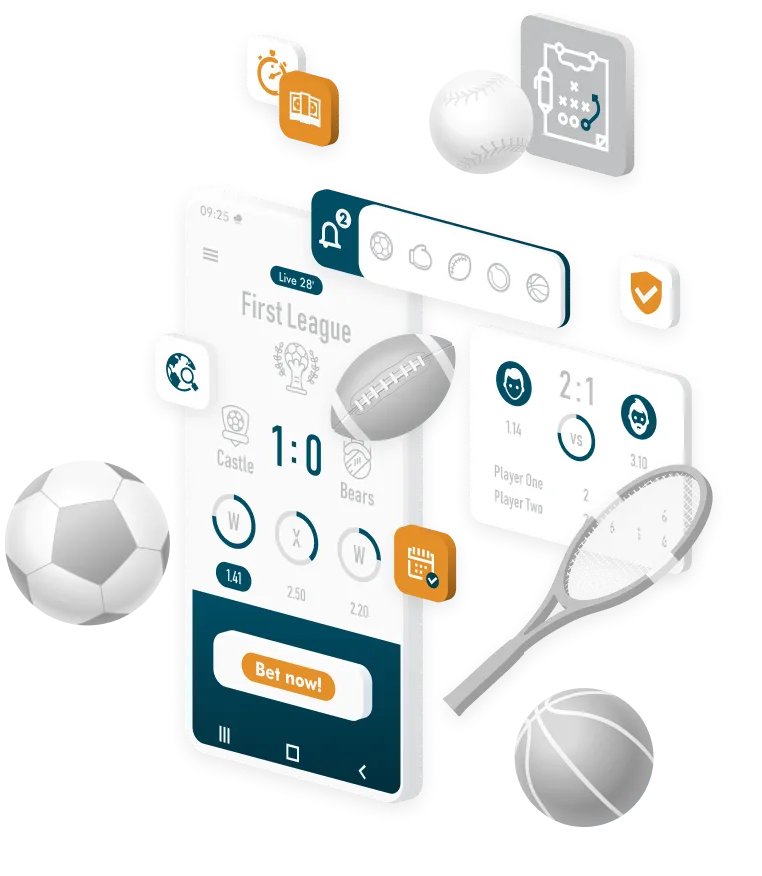
Follow live odds and results and access your betting history.

Switch between the casino, live casino and sportsbook with the same account.
Android · APK
Our Android app is available as an APK in the download section. Download it directly to the smartphone on which you want to install it.
Open our mobile download section and select Android. The APK file will be saved to your device.
If Android asks for permission, allow installations from the browser you used to download the APK. This setting is usually called "Install unknown apps".
Find the downloaded APK in your Downloads folder and tap "Install". Once installed, open ColdBet and log in.
You can turn off the installation permission again afterwards. ColdBet will remain installed on your device.
iPhone · Safari
On iPhone, you can play directly in Safari. Add ColdBet to your Home Screen to open our casino from an icon alongside your other apps.
Open ColdBet in Safari on your iPhone.
Tap "Share" and select "Add to Home Screen".
Tap "Add" to confirm. You can then launch ColdBet using its Home Screen icon.
You need a valid invitation to install via TestFlight. Without one, you can play in Safari and add ColdBet to your Home Screen.
On Android and iPhone, you can open our casino directly in your mobile browser. You can still play if you prefer not to install an app or installation is not possible on your device.
Open ColdBet in your browser. If your browser offers "Install app" or "Add to Home screen", you can create a shortcut for direct access. The wording varies by browser.
In Safari, select "Share" then "Add to Home Screen". You do not need an APK or TestFlight.

Open the download section directly on your Android device and try again. Check your browser downloads to see whether the file is still downloading or has already been saved.
In your Android settings, allow installations from the browser used to download the APK. If Android still blocks installation, you can play in your browser instead. Tell our support team your device model and the exact error message so we can help.
APK files are for Android. On iPhone, use Safari or the ColdBet icon on your Home Screen.
Use your existing account details to log in. If you have forgotten your password, you can reset it by email or SMS in the sign-in window.


To claim our welcome package, complete your profile, verify your phone number and activate the casino bonus before depositing. The same terms apply when playing on your smartphone.
Open our mobile download section on your Android device and select Android. Download the APK, open the file and confirm installation. If Android requests permission, allow installations from the browser you used.
The APK is the installation file for our Android app. Download it, open it on your Android device and install ColdBet.
No. APK files are for Android. On iPhone, you can open ColdBet in Safari and add it to your Home Screen using "Share".
You do not need TestFlight to play in Safari or access our casino from your Home Screen. Installing through TestFlight requires a valid invitation.
Yes. You can open our casino directly in your mobile browser on Android or iPhone and log in with your existing account.
The APK installs our Android app on your device. The web app runs in your browser. By adding it to your Home Screen, you can open ColdBet from an icon without installing an APK.
No. Use the login details for your existing ColdBet account. Only one account is allowed per person.
Updated APK installation files are available in our download section. Download the new file to your Android device and follow the installation steps. You can continue using your existing account.
No. You do not need a promo code for our casino welcome package. Complete your profile, verify your phone number and activate the casino bonus before depositing. Codes for other promotions are subject to their respective terms.
Our services are for adults aged 18 and over. Only gamble with money you can afford to lose and take regular breaks.
Learn more about responsible gambling